The tech
behind the work.
A map becomes
a route.
Navigate with awareness.
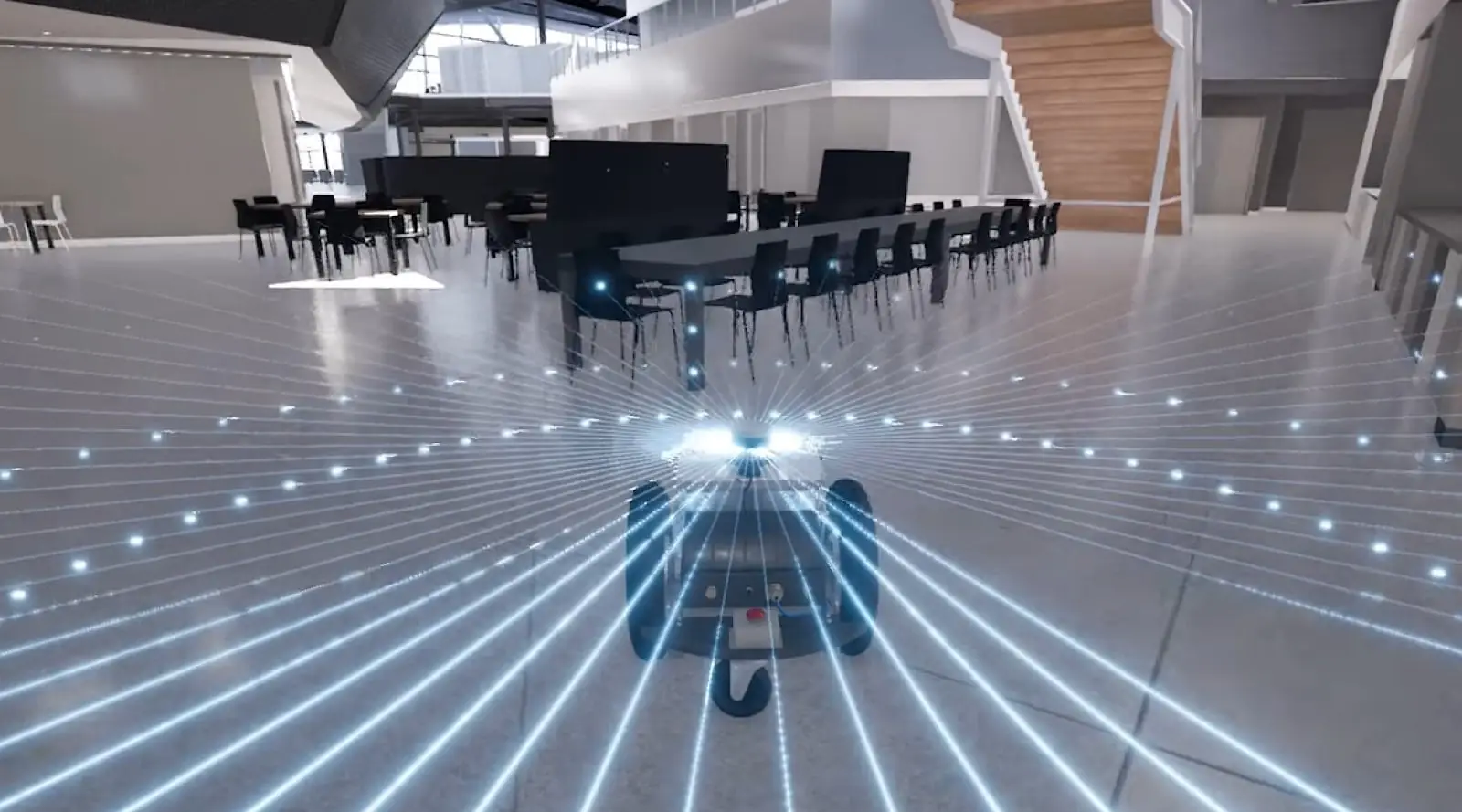
As it moves through the room, the A1 reads its surroundings in real time, navigating around objects and planning an optimized route to each disinfection point. That route becomes a saved program, so the same disinfection points and exposure times repeat in future tasks.
Understand the space.
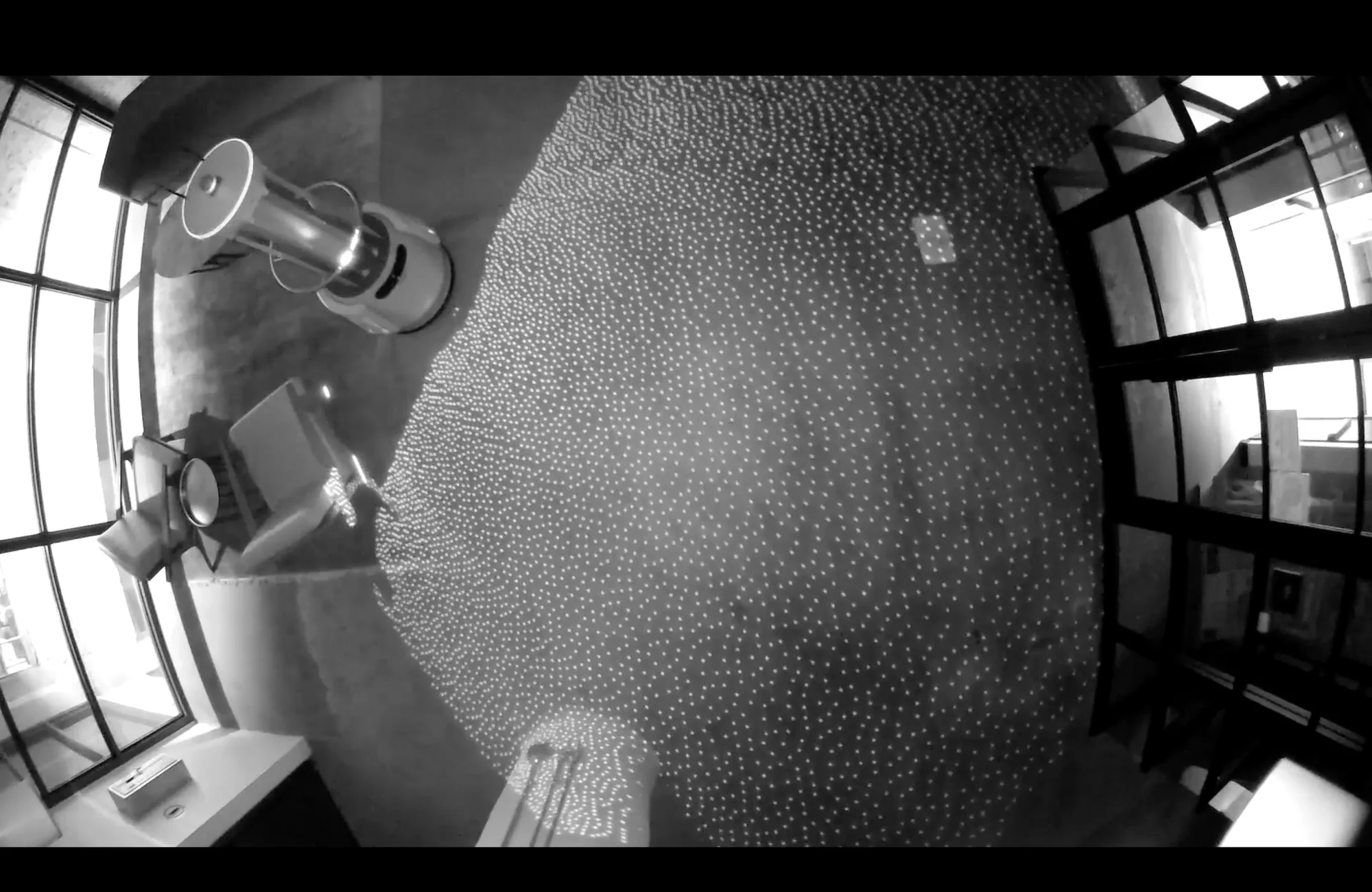
The A1 uses simultaneous localization and mapping, or SLAM, to locate itself and map its surroundings.
LiDAR, depth, ultrasonic, and infrared sensing provide information about the space and nearby obstacles for the A1 to navigate around.
Inside the A1’s path planning.
Abstract representation of sensor data
The A1 travels the space while its sensors build the map it locates itself against.
Task settings define the program. The system plans movement between disinfection points in the mapped space.
The A1 travels between planned disinfection points without an operator needing to manually reposition the device.
Position.
Line of sight.
Coverage depends on line of sight and distance. UV-C only reaches what the lamps can directly see, so a disinfection point’s distance and angle, and how long it’s held, determine which surfaces are treated and which stay in shadow. In the simulation below, place disinfection points and run the cycle to see it in action.
Safety systems architecture.
Motion detection.
Motion sensors pause disinfection when they detect unexpected movement.
Smart safety sign.
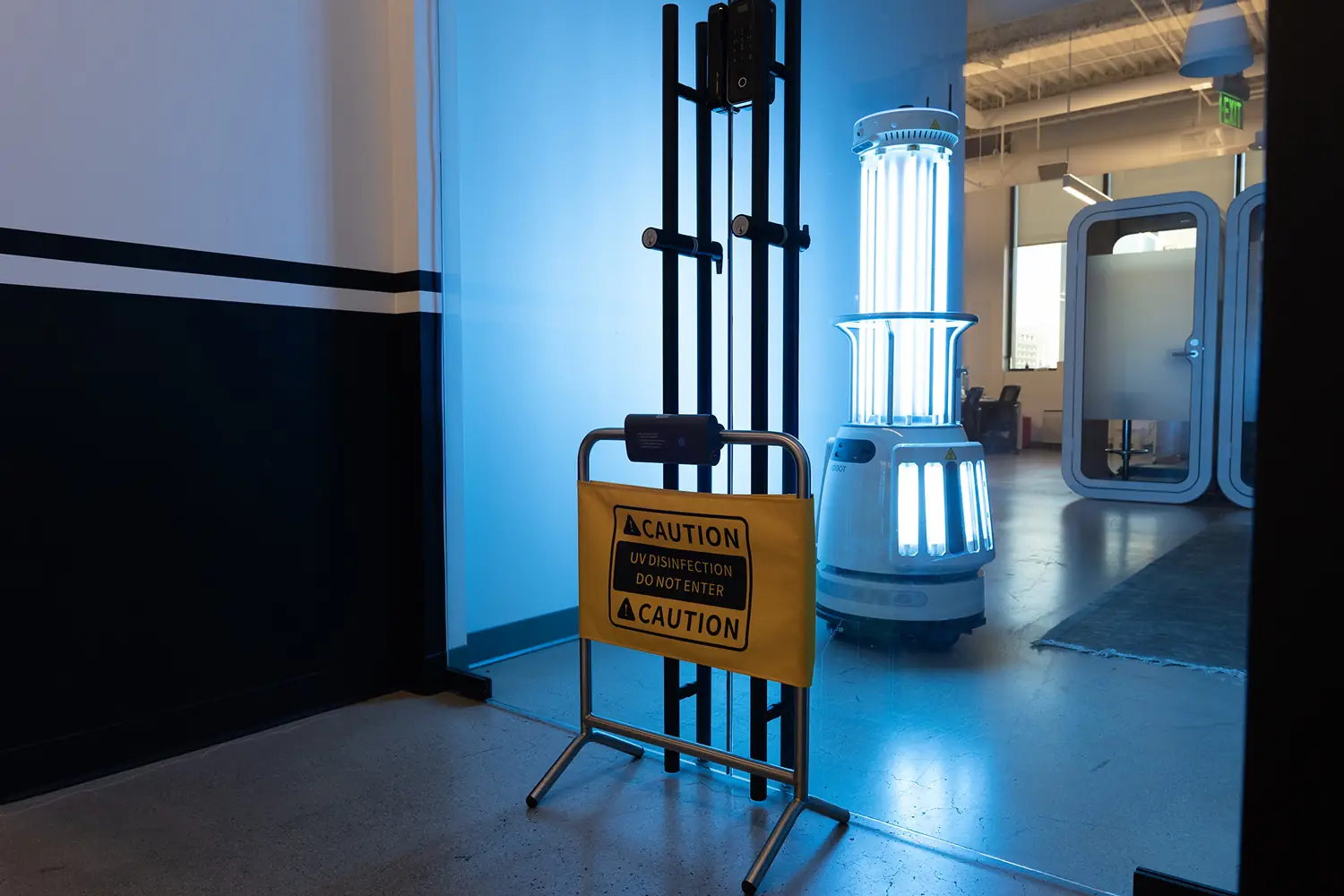
A Bluetooth-enabled sign marks the room in use, and disinfection pauses if the sign is moved.
Visual and audible alerts.
LED status indicators and audible alerts warn of UV-C operation.
Manage your fleet and track every task.
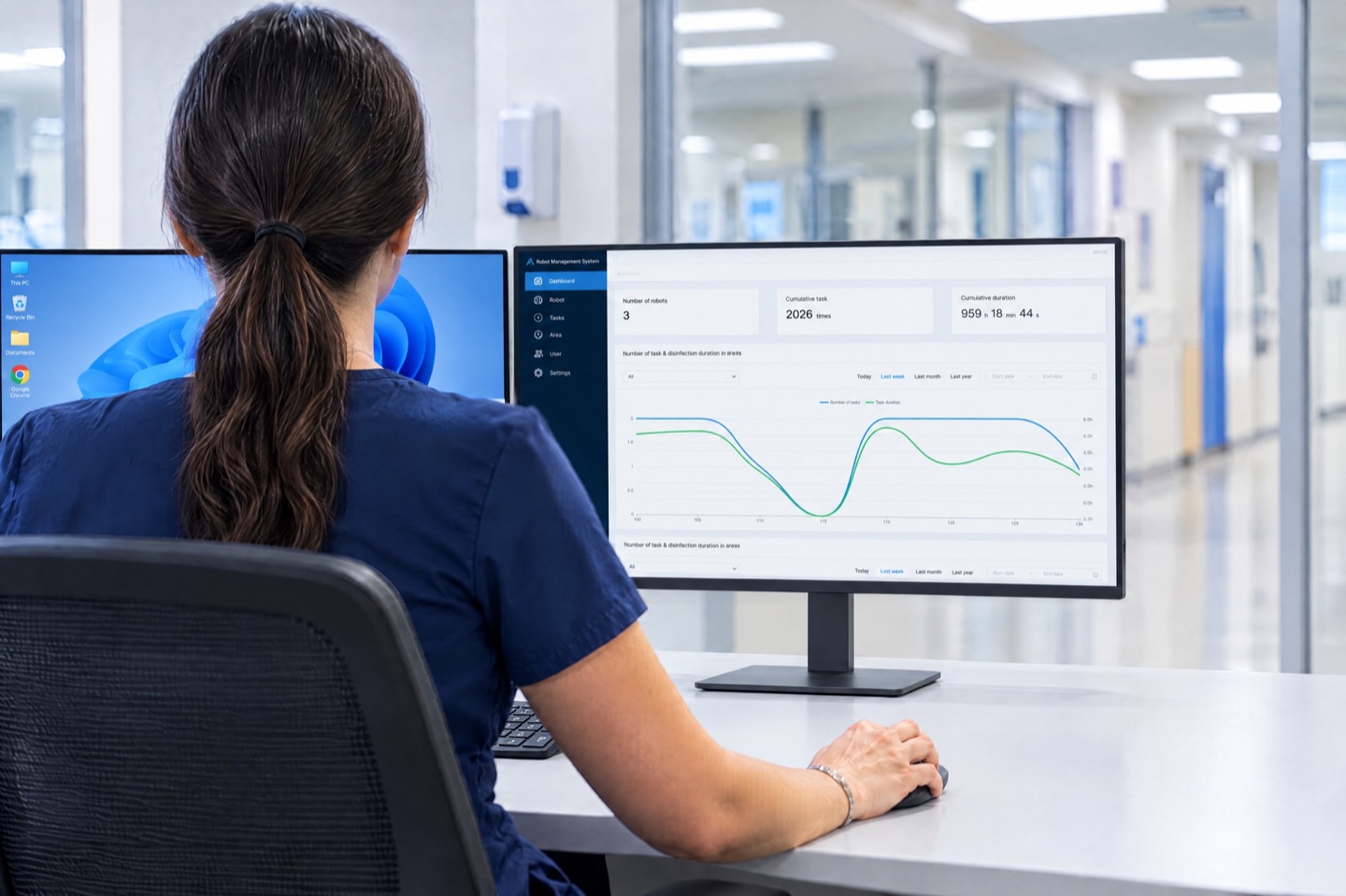
The facility has access to ADIS, the A1’s fleet management and reporting system.
View fleet status
Review hardware and connection status across your A1 robots.
Assign tasks remotely
Initiate and schedule routine tasks remotely across your entire fleet.
Review activity reports
Track operating time, cycles, and activity by area, robot, mode, and operator. Generate a report anytime one is needed.
Monthly summary reports
Monthly summaries arrive directly in stakeholders’ inboxes, supporting operational reviews, documentation, and audit preparation.
The team is
part of the system.
Our team stays engaged well beyond setup, with operator training and ongoing support built into every deployment. Bring your technical requirements and working procedures to the discussion.
Our approach to deployment